Map what matters.
List the pages, URLs, content and services the business relies on. Keep a backup and access to the current site while the replacement takes shape.
FOR CLIENTS STUCK ON WORDPRESS
When themes, plugins and updates become a project of their own, a rebuild is worth proposing. Use the client’s existing site as the starting point for a new Astro website, with your AI agent inside Astrology.
START WITH THE RIGHT KIND OF SITE
Service pages, portfolios and campaign sites are useful candidates to discuss. A store, membership platform or booking system needs a separate plan for its data, payments and integrations.
A public website is a reference for recreation. Astrology does not automatically import a WordPress database, transfer plugin logic or preserve every interaction.
THE REBUILD, STEP BY STEP
List the pages, URLs, content and services the business relies on. Keep a backup and access to the current site while the replacement takes shape.
Use website recreation under Other ways to start. Give your agent the brief and the material you have rights to use. Review each page and adapt the design to the business today.
Forms, analytics, search, booking and other services need their own configuration. Confirm where submissions go and test the complete visitor journey.
Review mobile layouts, metadata, accessibility and important URLs. Configure redirects where needed, test on staging and switch the domain only when the replacement is ready.
AFTER THE REBUILD
Ask for changes, edit supported content visually and review the result before publishing. The source remains available outside Astrology for handover.
Paste the client brief. Add their documents and a reference site. Give your agent the context to create a first version.
Explore this step ↗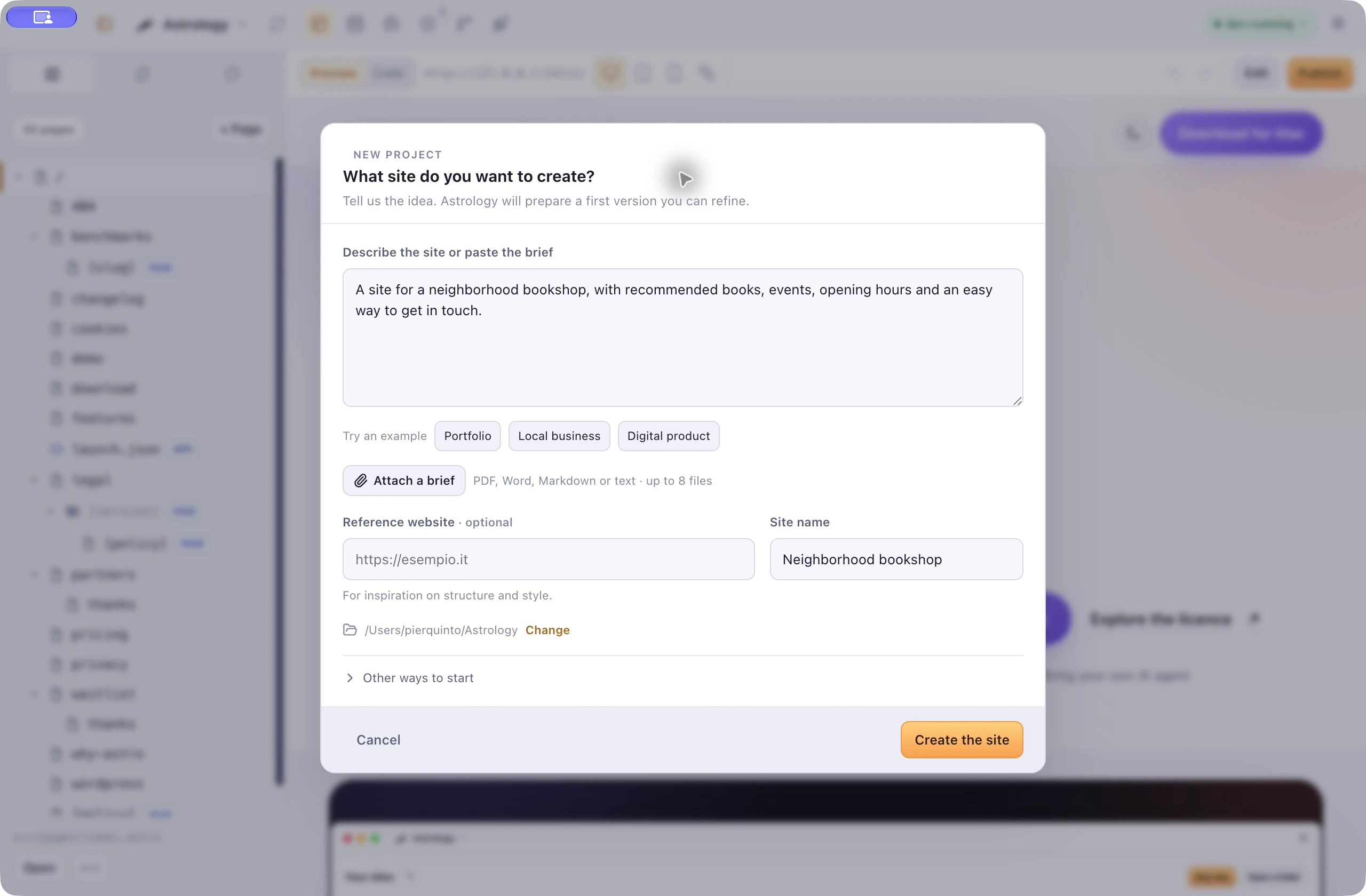
Ask your agent for changes with the page in view. Edit supported text and images directly, then check desktop and mobile layouts.
Explore this step ↗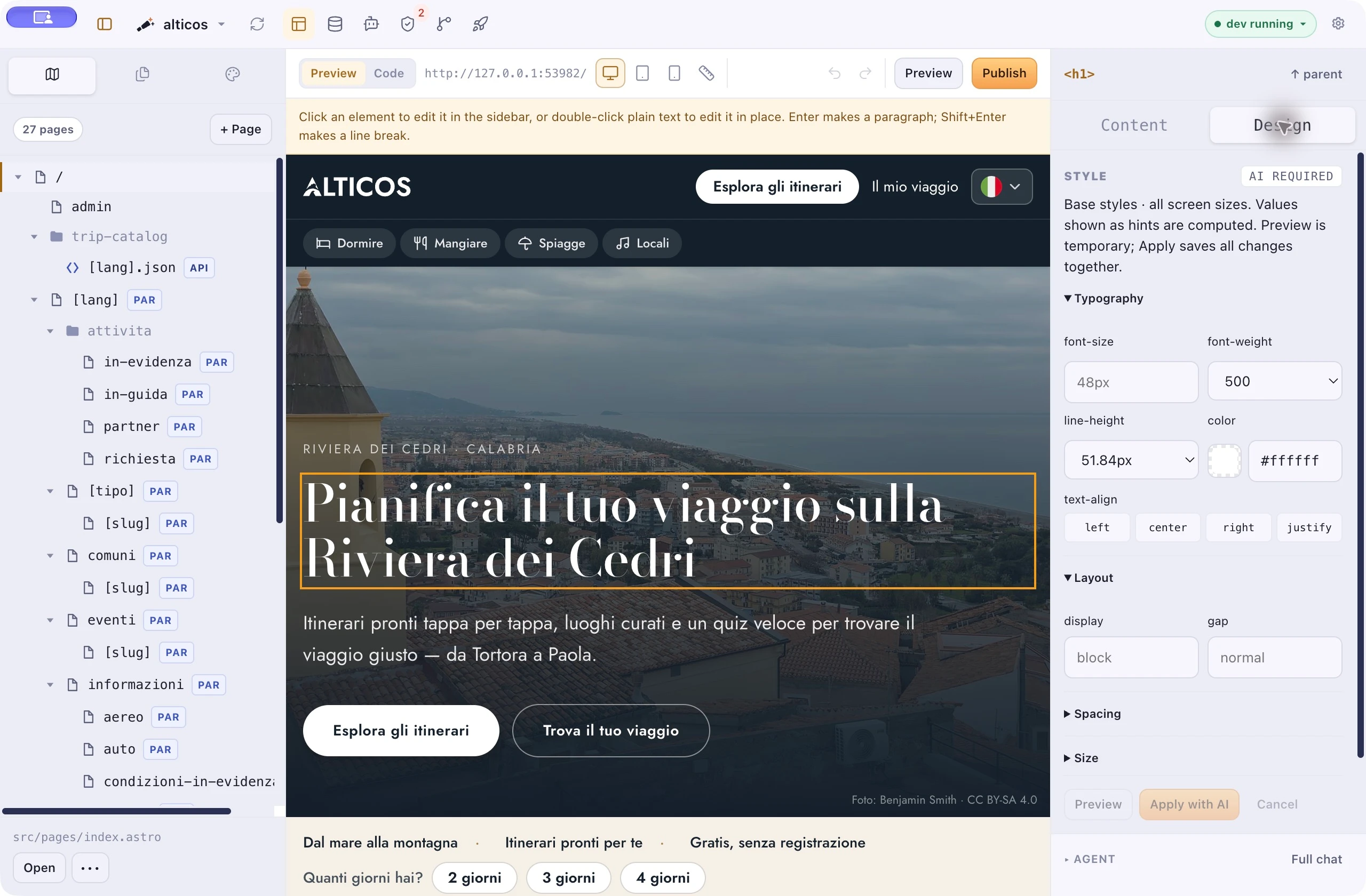
Inspect what changed, save it with Git and publish to the client’s hosting. Check on a separate staging address first when configured.
Explore this step ↗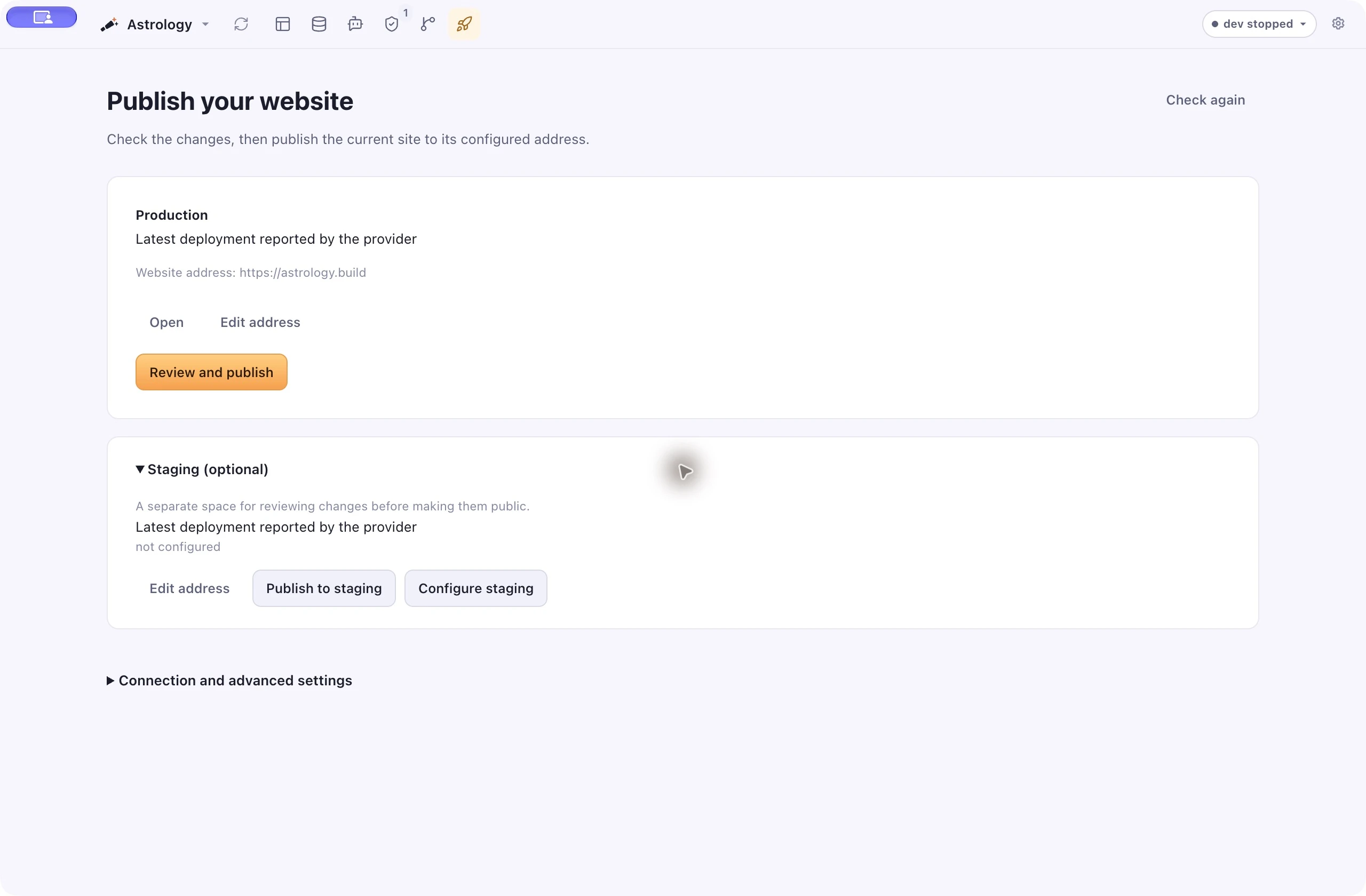
An Astro rebuild can remove the need for the old WordPress runtime, theme and plugins. It introduces its own project dependencies and connected services, which still need attention.
Measure the actual pages before and after. Images, scripts, fonts and external services all affect the result. A different framework alone is not a performance or security guarantee.
Understand the foundation ↗BRING A REAL CLIENT SITE
Tell us what is becoming hard to maintain and what the new site needs to do. We’ll discuss a guided demo around your workflow.
